
Getting to Deakin
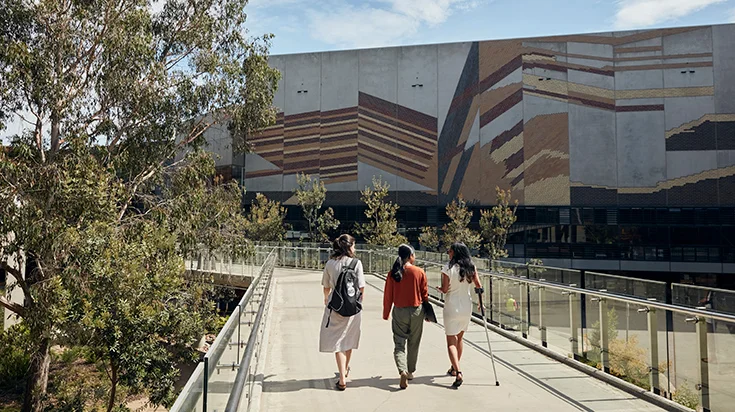
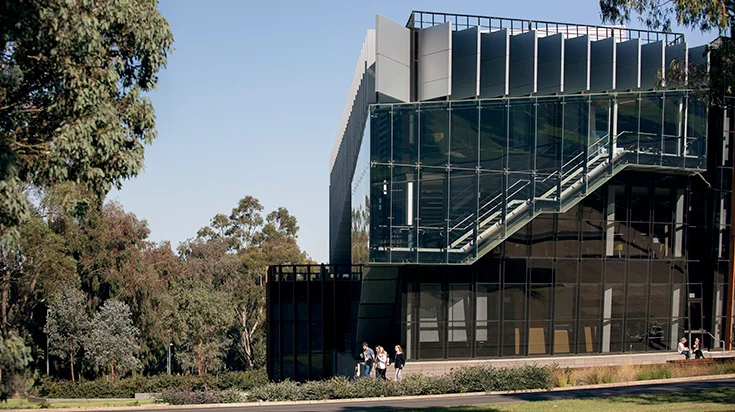
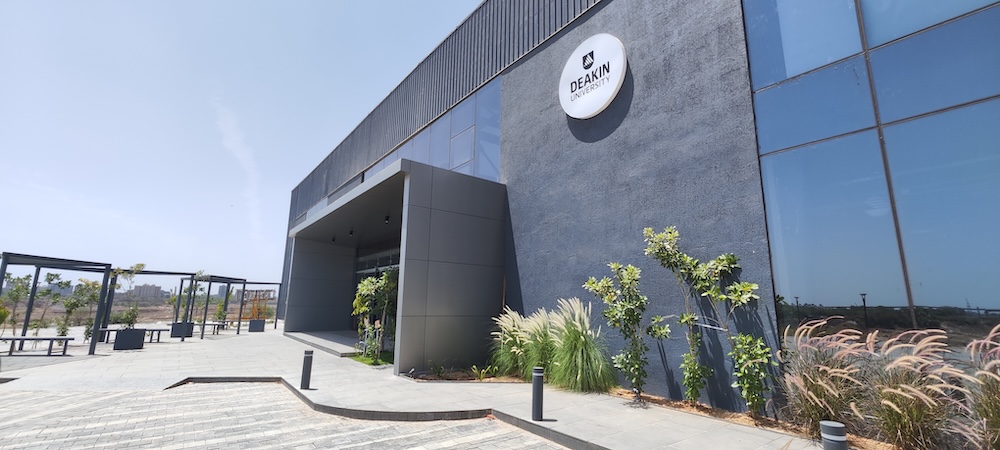
Choose your campus to view maps, campus tour videos and travel options.
cards-manual-1778126232739-353


cards-manual-1778126460425-248
You may be interested in
-
International Student Travel Pass
A simple way for eligible, international students to save money on public transport.
-
Public transport concession
Get your public transport concession card on StudentConnect
-
Geelong free intercampus bus
Free bus shuttle services between Waterfront and Waurn Ponds, and from East Geelong to Waterfront.
-
Flexicar
Deakin has Flexicars on campus for your use. Rent by the hour or by the day, available 24/7 and bookable in advance or last minute.